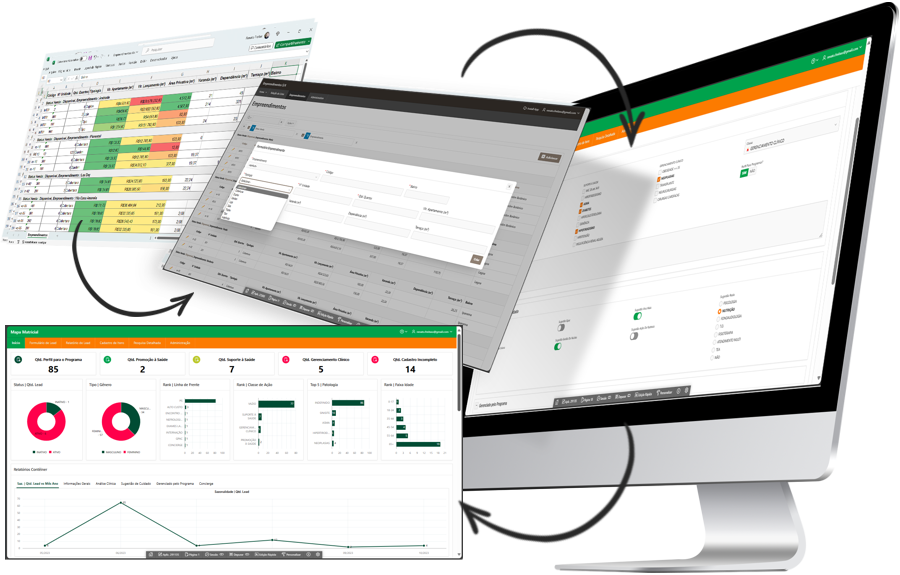
For anyone who wants to go further in data preparation. You learn to use the Data load editor and to handle data from different sources, including tables from web pages and databases, and you turn an unstructured budget spreadsheet into useful business information.
With the Mercadotimize database, we reflect on data architecture, prioritizing activities and projects according to ITIL, data classification, the differences between the relational model and the Qlik associative model, and what a data dictionary is, in a playful way. We go through Qlik syntax with examples, driver installation and connecting to many sources.
We solve circular references, synthetic keys and logical link errors with the Data model viewer. We practice resident tables in memory, concatenating and renaming fields, conditional filters, mapping tables, sorting, preceding loads, generating data in the script, loops per record, QVD files and their benefits, dates, key fields, correct record counts, variables, crosstables and generic data. And, of course, the debugger to find problems in the script.
Main topics
- Associative model and relational model
- Synthetic keys and circular references
- QVD, variables and loops
- Script debugger
Who it is for
Professionals who need to handle more complex data, automate these routines and organize data logically. It is important to work with reports and be used to analyzing business results.
Prerequisites
Familiarity with Excel (lookups such as VLOOKUP, transposing columns into rows and pivot tables) and with a business system. Some contact with a programming language is recommended (it helps with understanding algorithms).